
Inclusivity and Accessibility
Accessibility testing: Tools and best practices
10 October 2025
How can we make Singapore’s digital future more inclusive? Discover how GovTech tools like Oobee and A11y Playground help build accessible digital services for all.
As Singapore advances its Smart Nation vision, it's easy to get caught up with new technologies like GenAI or self-driving cars. However, the true mark of progress for a Smart Nation is ensuring that the country’s digital advancements are truly inclusive and accessible for everyone.
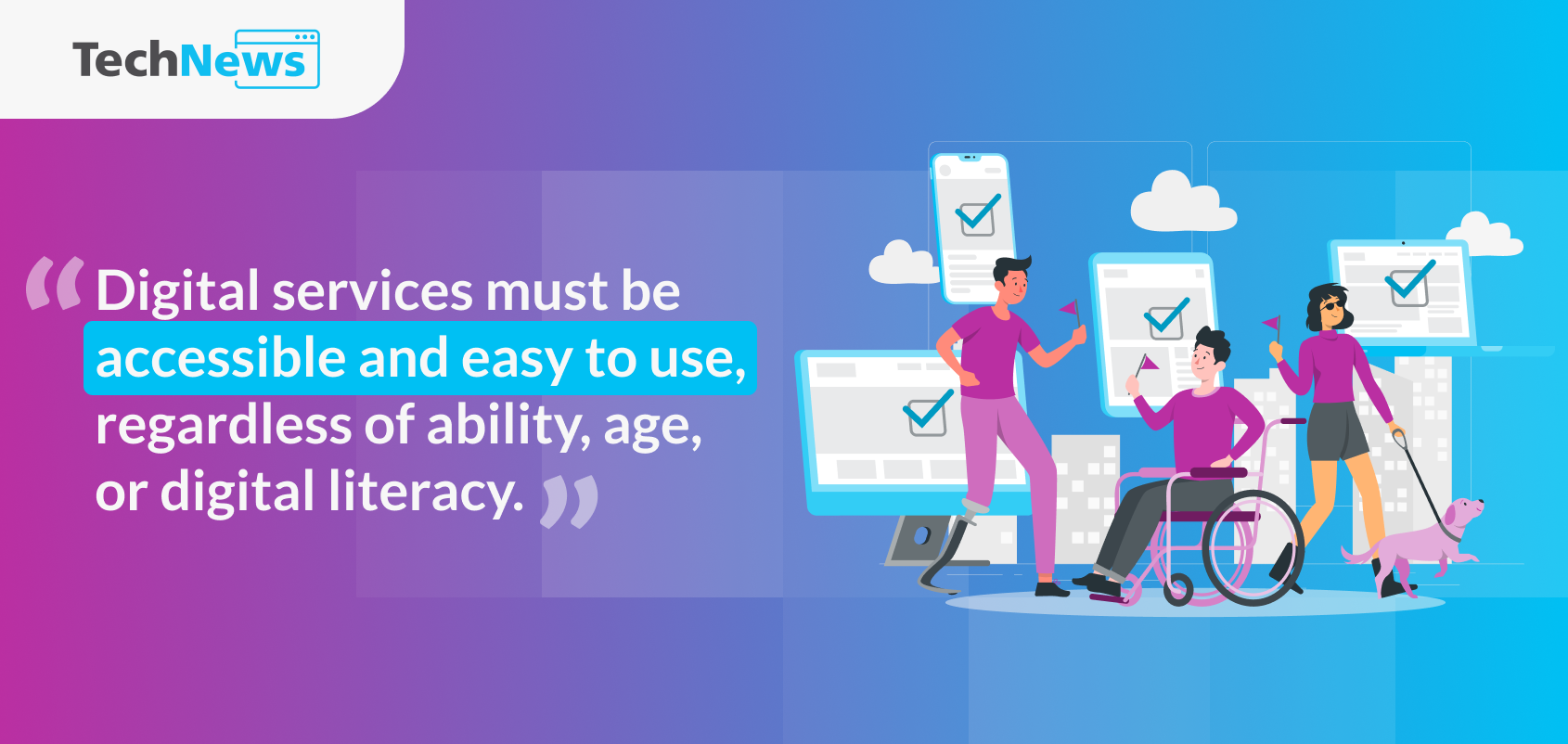
Singapore’s vision is clear: making sure no one gets left behind, regardless of ability, age, or digital literacy. Achieving this requires more than design alone—it calls for proactive accessibility testing. Let’s explore some of these accessibility tools and best practices that help build a truly inclusive Smart Nation.
Why inclusive design matters
Inclusive design is more than a technical requirement; it's a mindset shift. It's about designing for diverse needs, so that everyone benefits. For instance, captions may have been created for people with hearing impairments, but today they’re used by commuters in noisy spaces or anyone who prefers to follow along silently.
Font scaling is another example. While essential for seniors or people with low vision, larger fonts are useful for anyone who wants more comfortable readability.

As Yurong, a UX Designer from the Singpass team, shared in GovTech Decoded’s latest episode, "Inclusive design is not only for designing for people with disabilities, but also about designing for senior users." Her perspective underscores how accessibility and inclusive design often improve experiences for all, making services more flexible and resilient.
Meanwhile, Choon Hwee, a member of the Tech Kaki community who is visually impaired, has also highlighted the impact of accessibility. He pointed out that if a site simply presents "buttons, buttons, checkboxes, radio buttons" without context, it's impossible to use. A simple fix like providing alternative text for a description of an image can make all the difference.
GovTech UX Designer Immanuel reinforced this point. Without proper labels, he explained, a screen reader user must "scroll through all this irrelevant text to get to the button," which is similar to a sighted person scrolling endlessly just to find the “submit” button.
For Immanuel, inclusive design is also personal. As a caregiver for his late father and daughter with complex medical needs, he has witnessed first-hand frustrations of inaccessible systems. He spoke about the challenges his father faced with throat cancer, which made it impossible for him to speak. For almost a year, Immanuel had to be his father's voice, translating his needs to medical professionals. Now, with his daughter, Immanuel is driven to design a more inclusive future for everyone.
Accessibility testing as a key practice
To ensure digital services are truly inclusive, accessibility testing must be built into the development process. It requires a multi-layered approach.
1. Automated scans
The first step in any web accessibility testing is to run automated scans early in the development cycle. These tools can help flag common, high-impact web accessibility issues such as poor colour contrast, missing alternative text for images, and incorrectly labelled buttons.
Developed by GovTech, Oobee is an automated web accessibility software testing tool. It helps teams identify and fix accessibility issues in websites instantly, embedding accessibility from the very beginning of the process.
2. Manual testing with assistive technologies
While automated tools are helpful, they can miss certain issues. To truly understand the user experience, manual testing with assistive technologies is essential. This involves using screen readers like VoiceOver (for iOS/macOS), TalkBack (for Android), and NVDA or JAWS (for Windows) to navigate a digital service.
Another best practice is to test the experience using only a keyboard and speech input. This approach allows you to experience the digital service from the perspective of a person with a disability, uncovering accessibility issues that an automated scanner might miss.
3. User testing with diverse communities
Direct feedback is irreplaceable. For instance, the GovTech's Tech Kaki community works directly with product teams to uncover potential issues and suggest improvements based on real user experiences. A notable example is when feedback from visually impaired users led to accessibility improvements in the Singpass app, such as screen reader compatibility, adjustable font sizes, and a simplified password input experience. These enhancements improved the experience not just for visually impaired users but the whole Singpass user community.
4. Accessibility guidelines and standards
Adhering to global standards is also a key best practice. The Web Content Accessibility Guidelines (WCAG) serve as the international benchmark, outlining criteria for making web content more accessible. GovTech supports this through enhancing the Digital Service Standards (DSS), a set of policies, standards and guidelines established with reference to the WCAG. The DSS assists Government agencies in delivering digital services that are easy to use, seamless and relevant to citizens and businesses based on their user needs.
Earlier this year, GovTech also rolled out A11y Playground, a new local resource hub that combines education and action—helping developers, designers and digital service owners learn about digital accessibility while offering a suite of assessment tools such as checklists and curated resources to support practitioners in building accessible and inclusive digital services. This empowers teams and practitioners to adopt an anticipatory design approach, identifying potential issues from the start."
GovTech’s role in inclusive digital services
GovTech plays a central role in embedding accessibility into Singapore’s digital foundations by combining technology, practical testing, and community collaborations. Initiatives like Oobee, A11y Playground, and Tech Kaki are not just individual projects, but a unified effort to embed inclusive design directly into our efforts to build a more inclusive nation.
A trusted digital environment is built on a foundation that is accessible to all. For a deeper look into our inclusive design efforts and the real-life stories behind them, watch the full GovTech Decoded episode on YouTube.
How to get started with accessibility testing
Getting started with accessibility testing is more straightforward than you think. Here are some practical steps:
Run an automated scan: Start by using a web accessibility testing tool like GovTech’s Oobee to catch common issues such as poor contrast, missing alt text, or unlabeled buttons. This provides a solid baseline for your work.
Conduct a hands-on check: To get a real sense of the user experience, try navigating your app or website with just a keyboard. Then, use a screen reader like VoiceOver or TalkBack to experience your service as a user with visual impairment.
Involve diverse users early: The most crucial step in accessibility testing is to work directly with relevant users. Involve a diverse group of people such as Tech Kaki, including seniors and persons with disabilities, early in your design process. Their feedback is the most reliable way to ensure your service works.
Integrate testing into your workflow: Make accessibility testing regular practice in your product cycles. Building it into your workflow from the beginning ensures continuous improvement, making your services resilient, intuitive, and accessible to all.
Join the movement towards building inclusive digital services
Accessibility testing is not just a checklist, it’s how we ensure Singapore’s digital future is inclusive and resilient. GovTech’s initiatives like Oobee, A11y Playground, and Tech Kaki provide the tools and communities to make this possible.
Watch GovTech Decoded on YouTube to hear the stories behind our inclusive design efforts and explore the GovTech Decoded site for the latest tech insights. Tap on GovTech resources like Oobee and A11y Playground to start building more accessible digital services today.
Connect with us!

Subscribe to the TechNews email newsletter