
Tech Education
Tips to secure your tech devices while travelling
14 December 2023
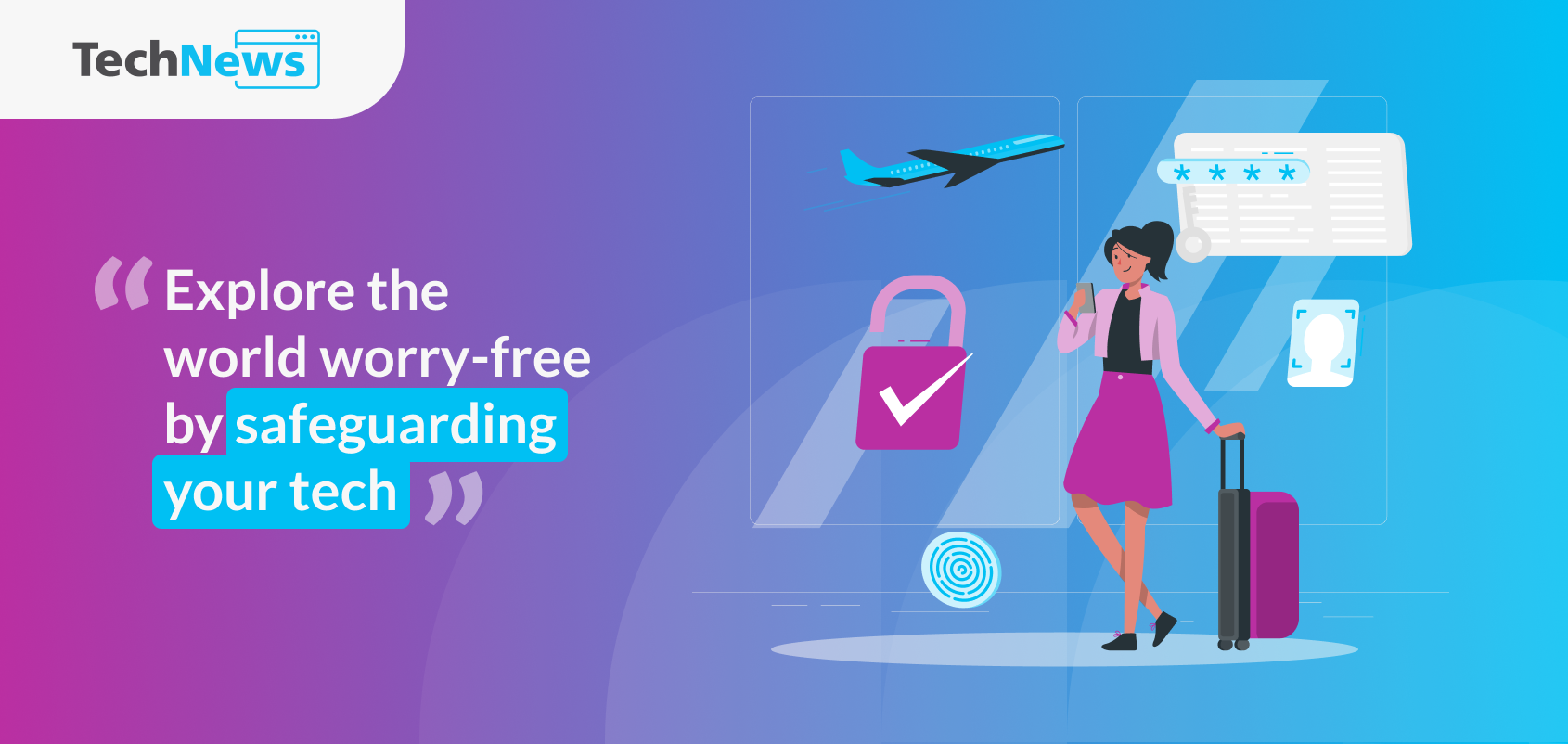
Explore the world worry-free by safeguarding your tech. From avoiding public wifi to securing your devices, follow these tips for a secure and enjoyable trip.
Smartphones, tablets, and laptops have become essential travel companions. They help us navigate unfamiliar cities, stay connected with loved ones, manage bookings, and provide entertainment on the go.
But carrying these devices abroad also exposes them to new risks—from unsecured Wi‑Fi networks to theft and malware. Protecting your data and keeping your devices safe is just as important as safeguarding your passport or wallet.
This guide highlights practical steps you can take to secure your tech while travelling, so you can explore with confidence and peace of mind.
1. Steer clear of public Wi-Fi
Free Wi‑Fi is everywhere these days — cafes, airports, even public transport. At home it may feel routine, but overseas it can seem like an oasis of connectivity, especially if you’re travelling without a data roaming plan.
The problem is that these oases can quickly turn into dangerous mirages. Public networks are vulnerable to exploitation, and a bad actor on the same connection could gain access to your device and steal personal data. That’s why protecting sensitive information is critical whenever you go online.
While data roaming, local SIMs, or personal hotspots may cost more, they’re a small price to pay for a secure connection. If you must use public Wi‑Fi, avoid logging into sensitive accounts or portals, and add a VPN for extra protection. A VPN creates an encrypted tunnel between your device and the server, shielding your online activity from prying eyes.
2. Update your devices and passwords
Before heading overseas, make sure all your devices are updated with the latest security patches. This step is especially important since travellers often try to save on data charges and may skip updates while abroad.
It’s also wise to refresh your passwords — or better yet, use longer passphrases — for your key accounts. That way, even if old login details have been exposed in a data leak, they become useless once you’ve changed them. The last thing you want is to spend precious travel time dealing with an account hack.
3. Avoid public charging stations
Travel days are often packed with activities, with mornings starting early and nights ending late. Device batteries may struggle to last that long, making public charging stations look tempting.
Resist the urge. A malware attack known as “juice jacking” is on the rise, where criminals hijack public chargers to infect devices.
Instead, carry a power bank to give your device a safe and reliable boost whenever needed. And remember: power banks must go in your carry‑on luggage, not checked baggage.
4. Back up your files
Smartphones today are more than just communication tools — they hold important documents, treasured photos and videos, and other valuable data. While travelling, the risk of losing a device (and everything stored on it) increases, and recovery is often harder overseas when you’re in unfamiliar territory and eventually heading home.
Save yourself unnecessary stress by backing up all your files before your trip. It’s also smart to check that services like Find My iPhone are working properly, so you can quickly locate a misplaced device — whether it’s still at the restaurant you left it in or somewhere else.
5. Be careful of what you post online
A few years ago, posting a photo of your boarding pass was almost a travel ritual. Thankfully, such posts have become rare as awareness grows about the risks of revealing personal information online.
Still, it’s important to be mindful of what you share on social media, especially details like your hotel, flight, or itinerary. If you can’t resist posting certain photos, use stickers or edits to hide sensitive information.
Another smart step is to adjust your privacy settings oso only close friends can see your updates while you’re away.
And our best advice? Be present and enjoy the moment. Your holiday snaps will be just as fun to share after you return.
GovTech's Digital Guardrails for Your Trip
A little digital savviness goes a long way, but you don’t have to tackle cybersecurity threats alone. GovTech offers trusted services to help keep your digital life secure, even while travelling.
FileSG: A secure platform for accessing and managing official government documents. By storing verified files digitally, you can retrieve or share them safely abroad without keeping sensitive information on your device.
ScamShield: An anti‑scam app that helps block suspicious calls and messages, while allowing users to report scams, giving you added peace of mind while on the move.
Be Safe, Not Sorry
Practising these cybersecurity tips while travelling may take some effort, but they’re your best defence against bigger troubles. By taking proactive steps, you not only safeguard yourself but also contribute to a safer digital environment for everyone. Travel with confidence, and safe travels!
Connect with us!

Subscribe to the TechNews email newsletter